
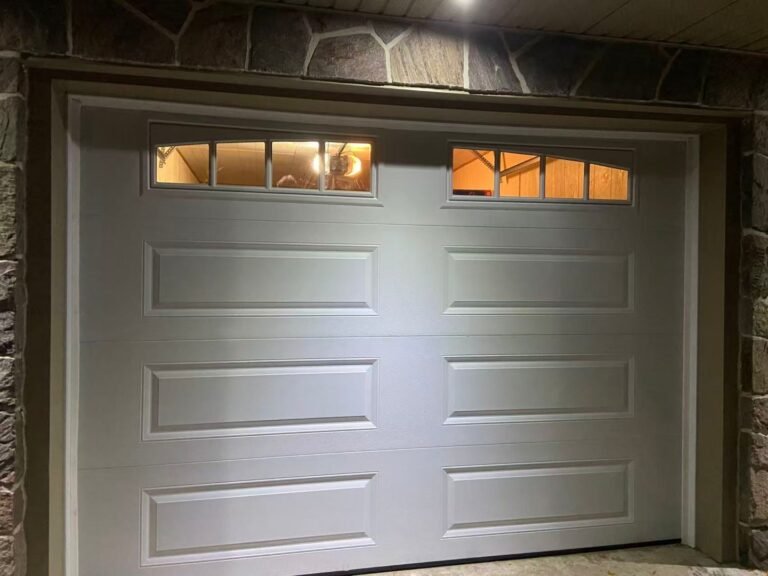

Coming home to a garage door that will not open can disrupt your plans and leave you wondering why the Chamberlain garage door opener is not working.
A garage door opener may stop working because of a power issue, depleted remote battery, sensor obstruction, programming problem, worn component, or another mechanical or electrical fault. The checks below cover common Chamberlain garage door opener troubleshooting steps and explain when professional service may be appropriate.
Not Connected to Power
If your garage door opener is not working, start by confirming that the unit is plugged in and that the outlet has power. Follow the Chamberlain garage door opener manual for model-specific instructions. Look for visible damage without touching exposed wiring, and check whether the circuit breaker has tripped. Reset a tripped breaker only when it is safe to do so. If the breaker trips again, wiring appears damaged, or the cause is unclear, contact a qualified technician or electrician.
Manual Reset
A Chamberlain garage door opener may require reprogramming or a reset after a power interruption, system error, or extended period without use. Use the reset procedure listed in the manual for your exact model, since the steps and button locations vary.
Dead Battery
If your Chamberlain garage door opener will not respond to a remote or keypad, the battery may need replacement. Battery type varies by model, so check the remote, keypad, or product manual before purchasing a replacement. Use only the battery type specified by the manufacturer, reinstall it with the correct polarity, and test the control again.
Garage Door Opener is Stuck
If the garage door stops partway, moves unevenly, or appears jammed, stop operating it. The cause may involve the trolley, track alignment, rollers, hardware, springs, or another component under tension. Do not strike, loosen, or reposition track hardware while the door is connected or under load. Disconnect the opener only if the door is fully closed and it is safe to do so, then arrange an inspection by a garage door technician.
Replace Old Light Bulb
Many garage door openers include a built-in light that improves visibility around the garage. If the bulb has burned out, replace it before relying on the opener light for nighttime visibility.
Use a bulb type and wattage approved for your opener model. If a compatible bulb does not work, the socket, wiring, or control board may require inspection. Disconnect power before accessing the light compartment and arrange professional service for electrical repairs.
Object Blocking Sensor
Garage door safety sensors help detect obstructions near the bottom of the opening. If a sensor is blocked, dirty, misaligned, or damaged, the door may refuse to close or may reverse unexpectedly.
Remove visible debris from the sensor path and gently clean the sensor lenses. Confirm that both sensors are mounted securely and that their indicator lights match the instructions in the opener manual. Do not bypass or disable the sensors. If alignment, wiring, or indicator problems continue, request professional service.
Faulty Door Control Wires
If batteries and visible obstructions are not the cause, damaged or loose control wiring may be involved. Do not handle exposed, frayed, or unidentified wires. A technician can inspect the wall control, sensor wiring, terminals, and opener connections and explain the appropriate repair.
Logic Board May Need Inspection
If the opener still does not function after basic checks, the logic board, motor, power supply, wiring, or another internal component may need inspection. A single sound or lack of a click does not confirm that the logic board must be replaced. Have the unit diagnosed before authorizing parts or replacement.
Contact Us
Fix It Right Garage Doors provides garage door opener inspection and repair services. A technician can assess the opener, controls, sensors, wiring, and related door components, then explain the findings and recommended service. Contact us today to request service or a written estimate before authorized work begins.